One of the ways I read for free is to read on my smartphone or tablet via a reading app. If you want to read for free, too, consider using these two apps.
But first, let’s see why.
Why Do I Need a Reading App?
Most of the time, I use reading apps because of these four reasons.
1. Book Scarcity: Two books I’ve been trying to buy for about a year. The Anxious Generation by Jonathan Haidt and Hitler’s People by Richard J. Evans. I’ve searched hard for the books in bookstores in Ibadan to no avail. I even checked the Oyo State libraries; nothing.
Mind you, most of these books are sitting there online waiting to be downloaded for free. And that’s what I usually do for scarce books.
Once I have the book downloaded, my next go-to is the reading app.
2. Continuity: Perhaps I forgot the book I’m currently reading while out, or I intentionally left it at home. It wouldn’t be an issue to further the reading on the smartphone.
3. Lying down: While lying on the bed on my side, I love to check a book or continue from where I left off with the physical book.
4. Traveling Light: It’s easier to pack so many books on a smartphone than in any bag.
Look, I love my physical books, and that’s what I mostly recommend. But the reasons mentioned above force me to have an app to continue on my smartphone. And you should have a PDF reader too.
What Is The Best Reading App Then?
I’ve tried several reading apps, but these two are the ones I’m sticking to.
WPS Office
This is the best PDF reader I’ve ever used on any smartphone. In the past, I’ve tried the likes of Adobe Acrobat Reader and other PDF viewers, but none match the smoothness of the reading experience this provides.
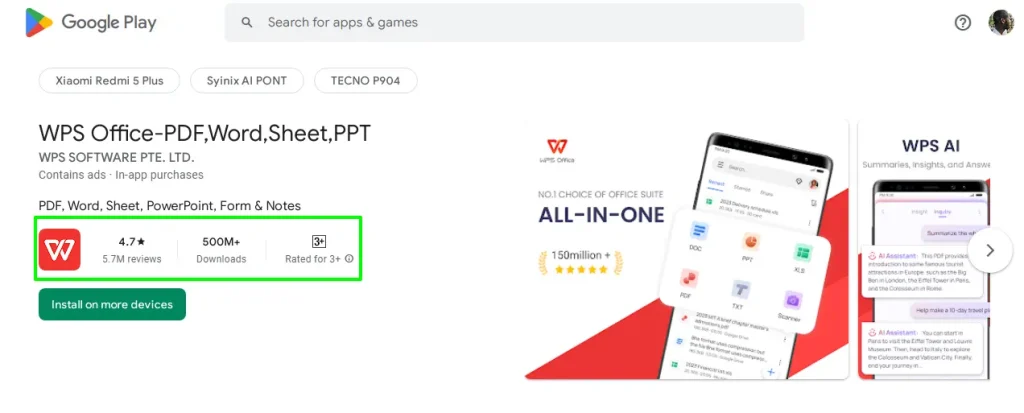
I only use the app for reading and no editing whatsoever. It should be noted that there are no free books in-app. Books of your choice have to be downloaded separately. Download the app on Google Play Store
The single downside for me with this app is its limitation to open other book formats.
Read Era
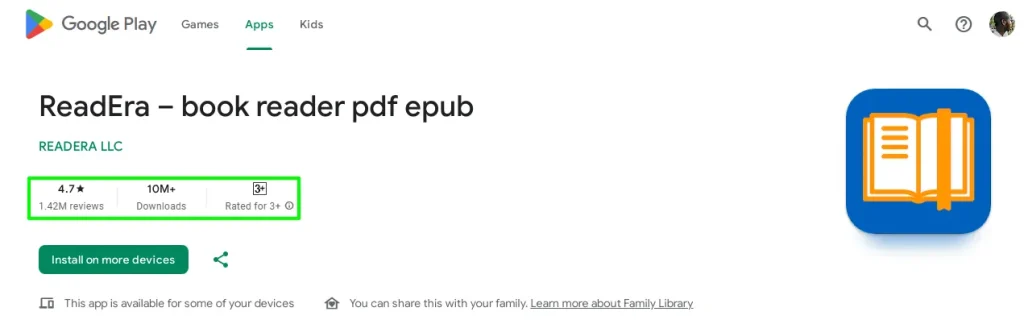
The WPS Office that I’ve been using has restricted me from reading other book formats other than PDFs, but ReadEra has changed all that.
First of all, it supports all popular book formats, including PDF, MOBI, EPUB, and FB2, and the app is completely free with no ads at all.
The fact that you can read completely free on this app offline with no single ads is enough. You even need no registration to get started. Every feature on the app is free. The only reason to go premium with this app is to support the team behind it. Although going premium will present you with extra features, as far as reading goes, not necessary.
Every book page fits perfectly well with the screen with no spillover. I could also read at night with various night modes available that help my eyes from fatigue.
If all that’s not enough, you could change the reading font and adjust the size to suit your needs.
One thing that can’t be done here, and it’s a no-brainer for me, is to edit documents.
One feature I love to see in this app is the ability to show how much time spent on each book.
Conclusion
With the two reading apps mentioned above, scarce books are now at reach.
If there’s any book-reading app better than these two, please feel free to comment.